


 Warranty Policy
 FAQ
FAQ Download
 Company Events
 Business Events
 Vlog
Vlog Profile
 Why Premteco
 Certificates

 CN
CN EN
EN RU
RU ES
ES AR
AR

High-grade XR LED display-P1.9, P2.6, P2.9

Indoor Small Pitch Mini LED Display-P0.9, P1.25, P1.56

LED Floor Display-P2.5, P2.6, P2.9, P3.9, P4.8,P5.2,P6.25

Extremely Thin 4k LED Display

Fine Pitch LED Display-P2.5, P2, P1.8

Interactive LED Display-P1.2, P1.5, P1.8

Indoor Fine Pitch LED Display-P1.86, P2.0, P2.5, P3.076

Indoor Fine Pitch LED Display

Innovative COB LED Display - P0.78 P0.93 P1.25 P1.56 P1.87

Innovative 4K COB LED Display

Indoor Fine Pitch COB LED Display

Macro High Definition COB LED Display

Indoor Fine Pitch LED Display P0.7, P0.9, P1.25, and P1.56

IP68 Outdoor Front Access LED Display

Outdoor Front Service LED Display-P5, P6, P6.6, P8, P10

IP68 Outdoor Front Service LED Display-P6, P8, P10

Indoor Fully Front Service LED Display - P1.9, P2.6, P2.9, P3.9

Outdoor Front Access LED Display-P4.7, P6.3, P9.5

Outdoor LED Display Screen-P3.9, P4.8, P6.2, P7.8, P10.4

DIP LED Display-P10, P16, P20

SMD Outdoor LED Display-P1.9, P2.6, P3, P4, P6, P8, P10

Die-casting Slim Type Outdoor LED Display-P4, P5, P6.6, P8, P10, P16

IP66 Outdoor Front and Rear Access LED Display

Outdoor Front and Rear Access LED Display P5.71, P6.67, P8 and P10

Cutting-edge Outdoor LED Display Technology Solution

Outdoor Rental LED Display-P2.9, P3.9, P4.8

Outdoor Rental LED Display-P3.9, P4.8, P5.9

High-quality Outdoor Rental LED display-P2.6, P2.9, P3.9, P4.8

Outdoor Rental LED Display-P3.9, P4.8, P5.9

Outdoor Rental LED Display-P2.9, P3.9, P4.8

High Quality Outdoor Rental Transparent LED Display

High Quality Outdoor Rental Transparent LED Display

Indoor LED Display-P2.5, P3, P4, P5

Indoor LED Panel for Rental-P2.6, P2.9, P3.9, P4.8

Indoor LED Panel for Rental-P2.6, P2.9, P3.9

Indoor LED Panel for Rental-P2.6, P2.9, P3.9

Indoor LED Panel for Rental-P2.6, P2.9, P3.9, P4.8

LED Curtain Display-P10.4, P12.5, P15.6, P25, P31.2

Media Facade LED Display-P12, P15, P25, P31, P50

Translucent LED Display-P1.9, P2.8, P3.9, P7.8, P10


Outdoor LED Display Banner-P2, P3, P4, P5

Indoor LED Display Banner-P1.8,P2.5

Indoor LED Display Banner-P1.8,P2.5

Shelf LED Display for Supermarket and Retail Stores


Spherical LED Screen for Indoor and Outdoor Advertising

Dec. 25, 2020< Back to list
LED display is a kind of high-tech electronic products since its own production cost is also quite high, many customers have worried about the service life of the screens. Actually, after installing the LED display, pay attention to the following recommended maintenance measures, which will not only guarantee the LED display to be more durable and will save a lot of maintenance costs.
1. Daily maintenance of the main control computer
The computer is generally placed in the control room, so in order to ensure the stability of the LED display and a good display effect, we can frequently maintain the main control computer as follows:
1) Keep the control room environment clean. Because dust will pollute important components such as computer keyboards, desks, monitors, and host circuit boards, which can easily cause major failures. Therefore, it is necessary to regularly clean the computer and peripheral equipment.
There are three steps of cleaning and maintenance:
The first step: Vacuuming. Sucking and sweeping away the dirt and dust on the surface of the screen mask.
The second step: Wet washing. It must be noted that you cannot spray the lotion directly on the screen, but spray a little cleaning liquid on the cleaning cloth, and then gently wipe in the same direction. And you can also use the soft brush on the vacuum cleaner to scrub the mask to clean the dirt.
The third step: Drying. Using a vacuum cleaner to absorb the watermarks after wet washing to ensure that the display mask is clean and dust-free.
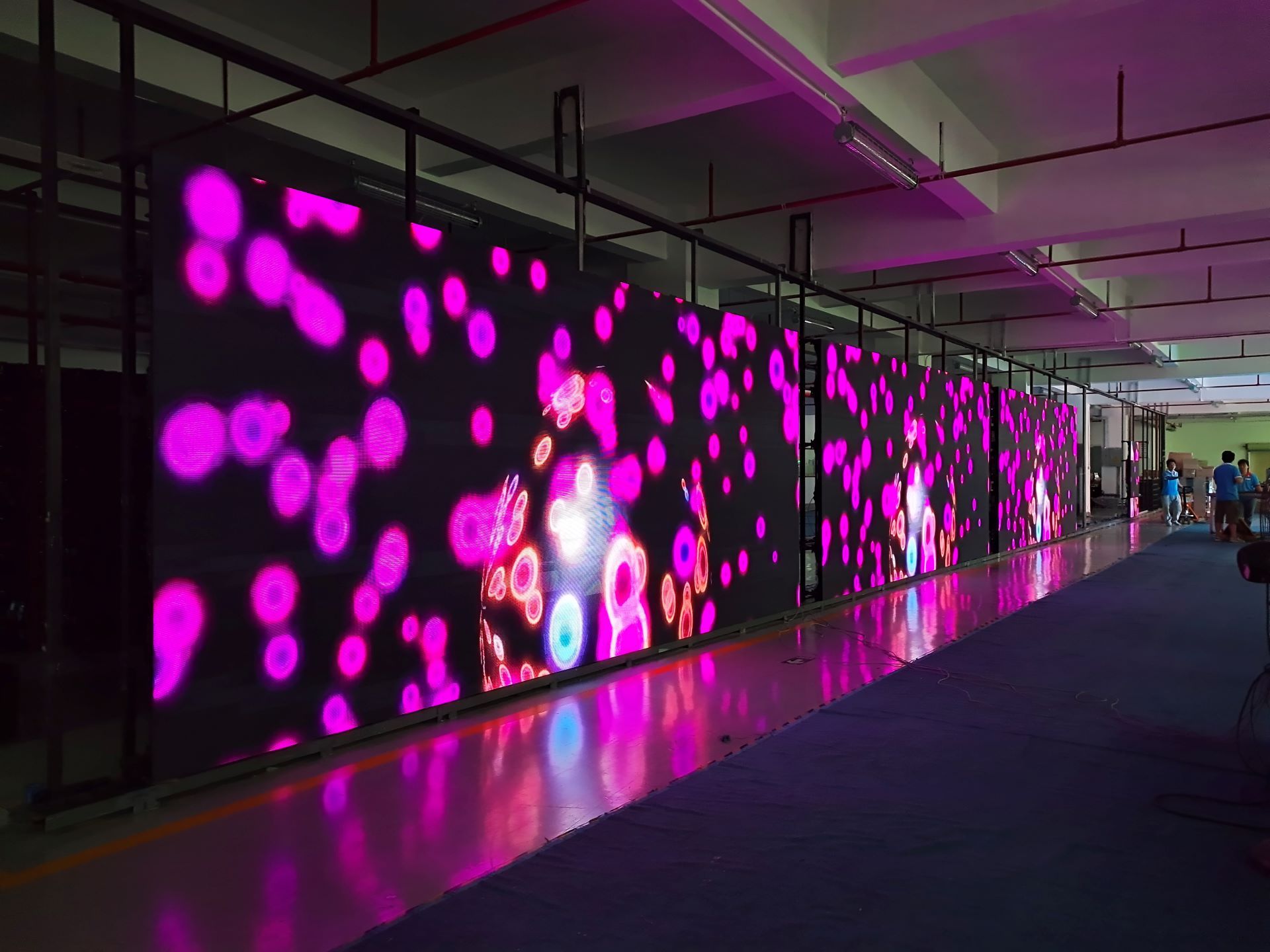
2) Pay attention to indoor ventilation. The computer emits a lot of heat when it is working. If the heat dissipation is not good and the indoor temperature is too high, it is easy to cause malfunctions such as computer crashes, and the long-term use will reduce the service life of the main control computer. Therefore, It should be paid more attention to indoor ventilation.
3) Try to avoid working environment with high temperature and high humidity.
If the ambient temperature is really high, a fan or air conditioner should be installed in the control room. That is to try to avoid the working computer at a high temperature and high humidity environment.
4) Regularly check the computer hardware and peripheral accessory equipment, such as to check whether the graphics cards、sending cards、DVI cables、serial cables are loose or damaged, etc., If there are any problems, they should be eliminated in time.
5) Anti-virus treatment should be performed on the computer regularly, especially those with Internet access, which should install anti-virus software, and the playback software should be updated regularly.
2. Noting on changes and variations in the control part
1) The power cords of the computer and the control part should not be connected reversely and should be connected strictly according to the original position. If there are peripherals, a test should be done to detect whether the case is live.
2) When moving control equipment and before powering on, please check whether the connecting wires and control boards are loose.
3) The position and length of the communication line and flat connection line cannot be changed at will.
4) If the short circuit, tripping, wire burning, and other abnormal appearances are found after moving, the power test should not be repeated, and the problem should be solved in time.
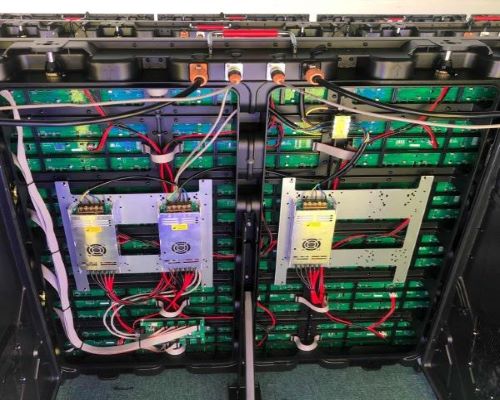
3. Precautions for software operation
1) Software backup: which includes Windows 7, WinXP, applications, software installation programs, databases, etc. It is recommended to use the "one-key restore" tool for easy operation.
2) Be familiar with installation methods, original data restoration, backup, especially important files such as configuration files, and all of them should be backed up.
3) Master the setting of control parameters and the modification of basic data presets.
4) Be versed in program, operation and editing.
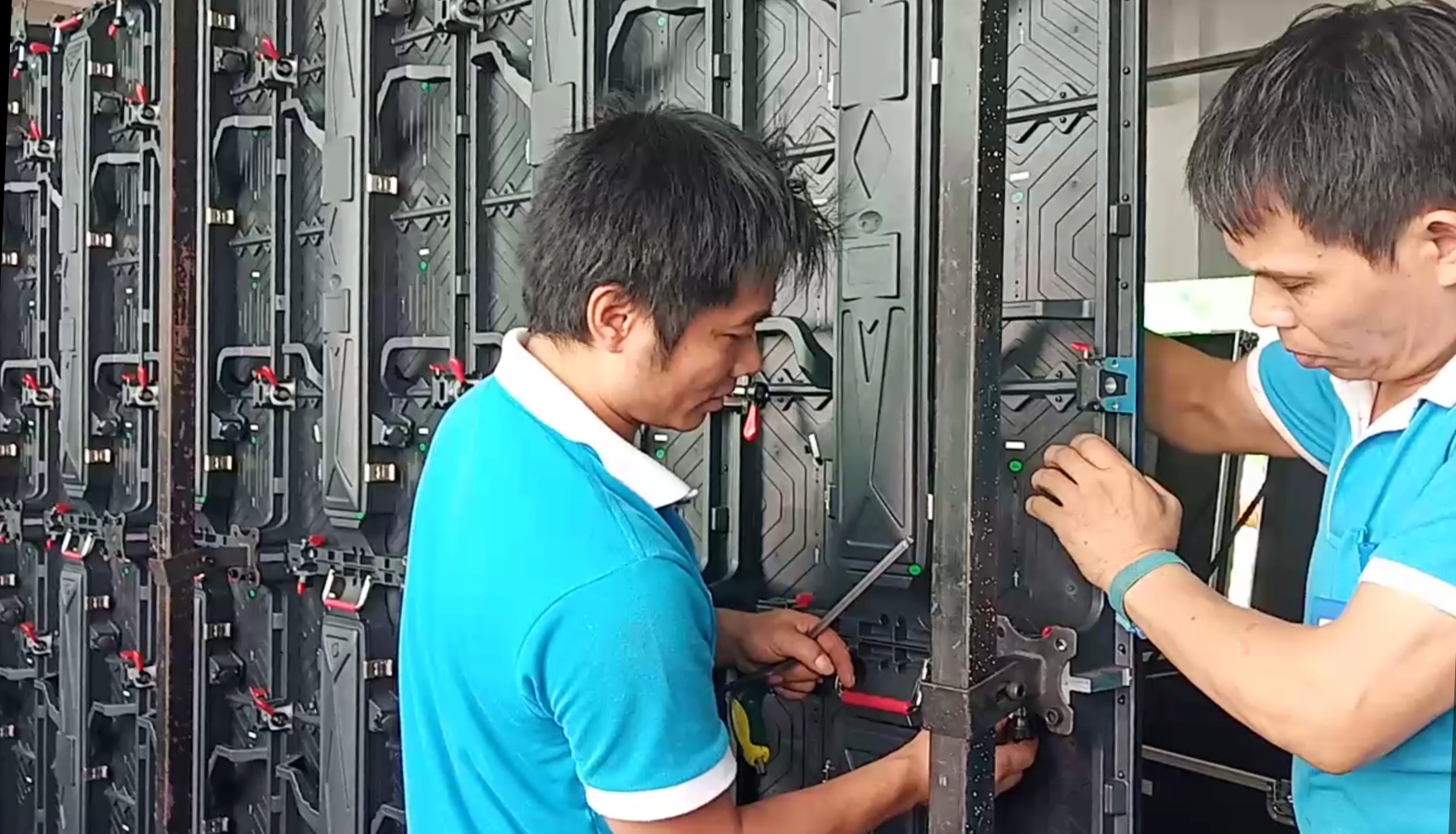
Once choosing Premteco, customers will receive "one-stop service" of production, installation, debugging, training and after-sales, so it is no need to worry about the after-sale.
How to Choose an Outdoor LED Billboard: Pixel Pitch, Brightness, IP Rating and Power Consumption
COB vs MIP for P0.9 LED Video Wall: Which Is Better?
Premteco: special-shaped screen to present a different
How does the LED display follow the 5G trend?
Premteco introduces new design rental screen
Some common senses about LED display aging test
Application of AOB technology in LED display
Premteco P8 Perimeter LED Screen for Stadium in Canada
Premteco P10 Outdoor Fixed LED Display in Australia
Premteco P1.5 Indoor Full Color LED Screen in Australia
Premteco P8 Outdoor LED Trailer Screen in Australia
Premteco P2.5 Indoor LED Banner Screen in Australia
Premteco P4.8 outdoor LED screen in Qatar
Premteco P1.9 Indoor HD LED screen in Kuwait
Premteco P3.9 Outdoor Rental LED Display in Austria